For Developers
Installing WaterfowlDetector
Requirements
Linux or windows
Recommend installing cuda v11.3 and pytorch 1.10.0
Recommend running on a gpu with compatible cuda
python >= 3.7
Required Python Packages
You can install our WaterfowlDetector platform on your Ubuntu OS. Firstly, you need to install the following python packages with pip3:
pip3 install numpy==1.23.3
pip3 install pandas
pip3 install cv2
pip3 install tqdm
pip3 install Detectron2
Detectron2 is Facebook AI Reseach’s next generation library that provide state-of-art detection and segmentation algorithms. You can refer to their git repository when you install Detectron2. See Detectron2
Source Installation
All of our scripts and sample data are uploaded to our git repository. You can easily download and unzip it yourself or install by following code:
git clone https://github.com/YangZhangMizzou/Bird-Detectron2.git
cd Bird-Detectron2
Configuration
Some basic training configurations are saved in /configs/Base-RCNN-FPN.yaml. For more details you can check detectron2’s detectron2 repository.
 1MODEL:
 2  META_ARCHITECTURE: "GeneralizedRCNN"
 3  BACKBONE:
 4    NAME: "build_resnet_fpn_backbone"
 5  RESNETS:
 6    OUT_FEATURES: ["res2", "res3", "res4", "res5"]
 7  FPN:
 8    IN_FEATURES: ["res2", "res3", "res4", "res5"]
 9  ANCHOR_GENERATOR:
10    SIZES: [[32], [64], [128], [256], [512]]  # One size for each in feature map
11    ASPECT_RATIOS: [[0.5, 1.0, 2.0]]  # Three aspect ratios (same for all in feature maps)
12  RPN:
13    IN_FEATURES: ["p2", "p3", "p4", "p5", "p6"]
14    PRE_NMS_TOPK_TRAIN: 2000  # Per FPN level
15    PRE_NMS_TOPK_TEST: 1000  # Per FPN level
16    # Detectron1 uses 2000 proposals per-batch,
17    # (See "modeling/rpn/rpn_outputs.py" for details of this legacy issue)
18    # which is approximately 1000 proposals per-image since the default batch size for FPN is 2.
19    POST_NMS_TOPK_TRAIN: 1000
20    POST_NMS_TOPK_TEST: 1000
21  ROI_HEADS:
22    NAME: "StandardROIHeads"
23    IN_FEATURES: ["p2", "p3", "p4", "p5"]
24  ROI_BOX_HEAD:
25    NAME: "FastRCNNConvFCHead"
26    NUM_FC: 2
27    POOLER_RESOLUTION: 7
28  ROI_MASK_HEAD:
29    NAME: "MaskRCNNConvUpsampleHead"
30    NUM_CONV: 4
31    POOLER_RESOLUTION: 14
32DATASETS:
33  TRAIN: ("coco_2017_train",)
34  TEST: ("coco_2017_val",)
35SOLVER:
36  IMS_PER_BATCH: 16
37  BASE_LR: 0.02
38  STEPS: (60000, 80000)
39  MAX_ITER: 90000
40INPUT:
41  MIN_SIZE_TRAIN: (640, 672, 704, 736, 768, 800)
42VERSION: 2
Training
You can also change training configuration in train_bird_faster_fpn.py. all of the configuration in train_bird_faster_fpn.py will overwrite configuration in /configs/Base-RCNN-FPN.yaml
 1def make_trainer(image_dir,model_name,image_num,lr):
 2    register_coco_instances("bird_dataset", {}, image_dir+"/tree.json", image_dir)
 3    birds_metadata = MetadataCatalog.get("train")
 4    birds_metadata.thing_classes = ['bird']
 5    cfg = get_cfg()
 6    cfg.merge_from_file("./configs/COCO-Detection/faster_rcnn_R_50_FPN_1x.yaml")
 7    cfg.OUTPUT_DIR = './models/'+model_name
 8    cfg.DATASETS.TRAIN = ("bird_dataset",)
 9    cfg.DATASETS.TEST = ()
10    cfg.DATALOADER.FILTER_EMPTY_ANNOTATIONS = False
11    cfg.SOLVER.WARMUP_ITERS = 100
12    cfg.DATALOADER.NUM_WORKERS = 4
13    cfg.SOLVER.IMS_PER_BATCH = 2
14    cfg.MODEL.ROI_HEADS.BATCH_SIZE_PER_IMAGE = 512
15    cfg.SOLVER.BASE_LR = lr
16    cfg.SOLVER.STEPS = (30000,45000)
17    cfg.SOLVER.GAMMA = 0.1
18    cfg.MODEL.ROI_HEADS.SCORE_THRESH_TEST = 0.05
19    cfg.SOLVER.MAX_ITER = 60000
20    cfg.MODEL.ROI_HEADS.NUM_CLASSES = 1
21    os.makedirs(cfg.OUTPUT_DIR, exist_ok=True)
22    trainer = Trainer(cfg)
23    trainer.resume_or_load(resume=False)
24    return trainer
Inference
There are also some configurations in image_inference_bird.py
1cfg = get_cfg()
2cfg.merge_from_file('./pretrained_weight/COCO-Detection/faster_rcnn_R_50_FPN_1x.yaml')
3cfg.MODEL.ANCHOR_GENERATOR.SIZES = [[8], [16], [32],[64],[128]]
4cfg.OUTPUT_DIR = model_name
5cfg.MODEL.ROI_HEADS.NUM_CLASSES = 1  # only has one class (ballon)
6cfg.MODEL.WEIGHTS = os.path.join(cfg.OUTPUT_DIR, "model_final.pth")
7cfg.MODEL.ROI_HEADS.SCORE_THRESH_TEST = 0.1   # set the testing threshold for this model
8predictor = DefaultPredictor(cfg)
Training
Data preparation
Although we provide pretrained model of our six datasets, we also support customized training on your own bird images. If you want to train you custom datasets, you should prepare your dataset in COCO format.
Or, if your high resolution images are labeled by labelme, you should have json files which stroe annotation information for each image. In that case provide script can make your dataset prepared for training. You can run the following line to prepare your training dataset:
cd images
python data_preparation.py -p [path to your image folder]
After that, you should have all of your high resolution images cropped and saved in a folder called all_small. In that folder you will find all of cropped images and annotation json files. There is a json file bird_real.json which include all annotation information for images containing birds. cropped images without birds will not include in bird_real.json.
Training start
After you finish data preparation and configuration, you can start training with one command:
python train_bird_faster_fpn.py -p [path to your image folder] -m [model name you decide]
The trained model will be saved in /models/model_name. Training weight will be saved in model_final.pth
Inference and evaluation
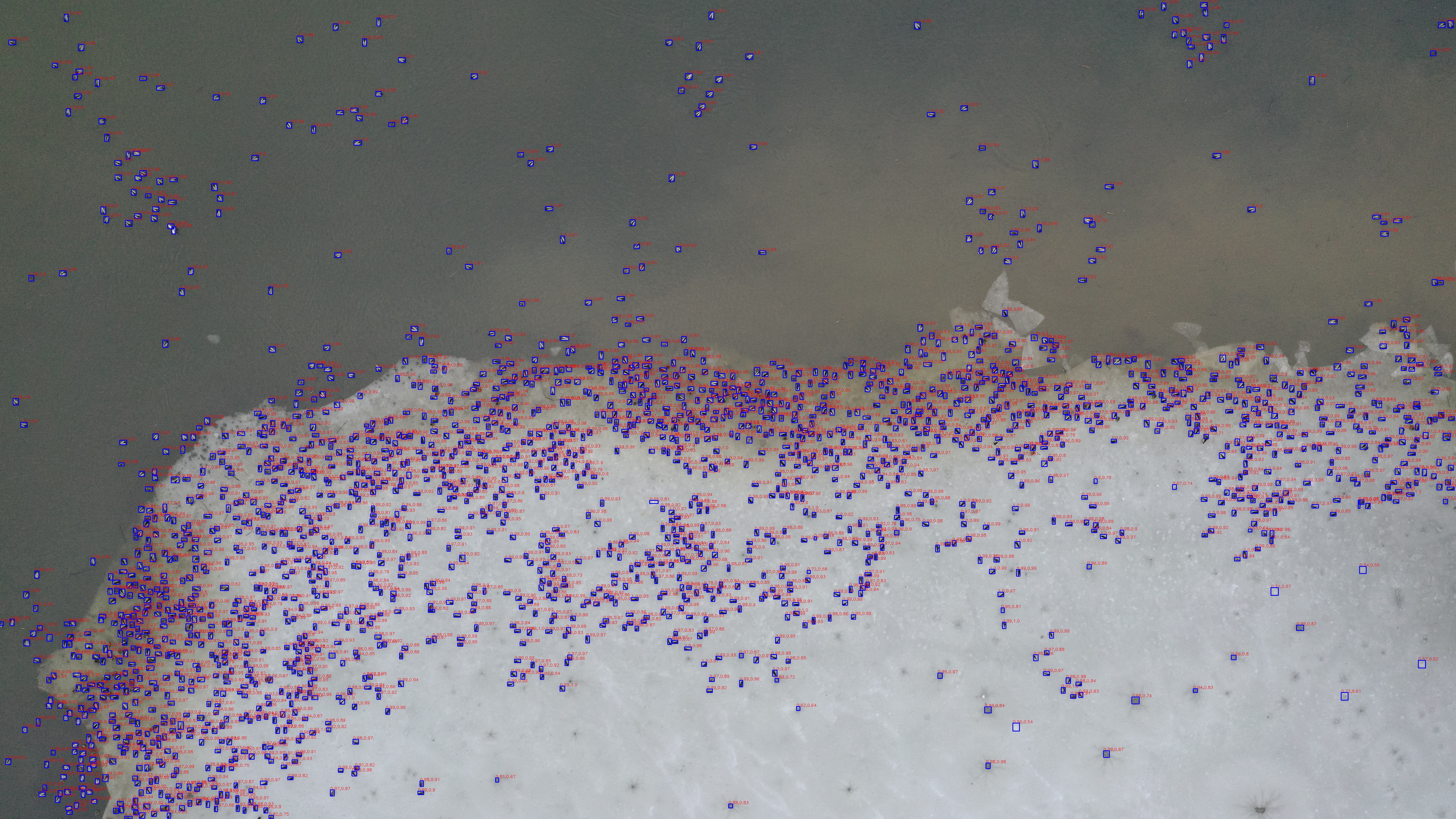
Our scripts support inference image with any size. The model infers all low-resolution images and projects all inference results back to high-resolution images.
Inference with ground truth label
If you have ground truth annoation file bird.json in your all_small folder, you can do the inference with:
python image_inference_bird.py -p [path to your image folder] -m [model name] -t [confidence threshold]
Instead of MAP and MAR, we use precision, recall and f1-score to evaluate our models performance at the threshold you set. Both inferred images and evaluation results will be saved in your image folder.
Inference without ground truth label
You can also inference your images although no ground truth labels provided. You can use same command but no evaluation will be generated.